:file-pdf: | Generate, Email, and Schedule PDF Reports | Produce, email, and schedule PDF snapshots of your workload. Use them as a cheap long-term archive and as the artefact for before/after comparisons. | Generate, Email, and Schedule PDF Reports | pdf-reports.jpg |
:server: | Install On-Premises and Configure Agentless Connections | Install the Datasentinel platform on a single Linux server, then register your PostgreSQL instances agentlessly. | Install On-Premises and Configure Agentless Connections | hosted.jpg |
:rocket: | Onboard Your First PostgreSQL Cluster | Install the required extension, create the monitoring user, register the connection, and apply a tagging scheme that scales. | Onboard Your First PostgreSQL Cluster | pg-cluster.jpg |
:code: | Automate with the API | Provision instances, manage users and roles, export metrics, schedule reports, and control agents through the REST API. | Automate with the API | api-reference.jpg |
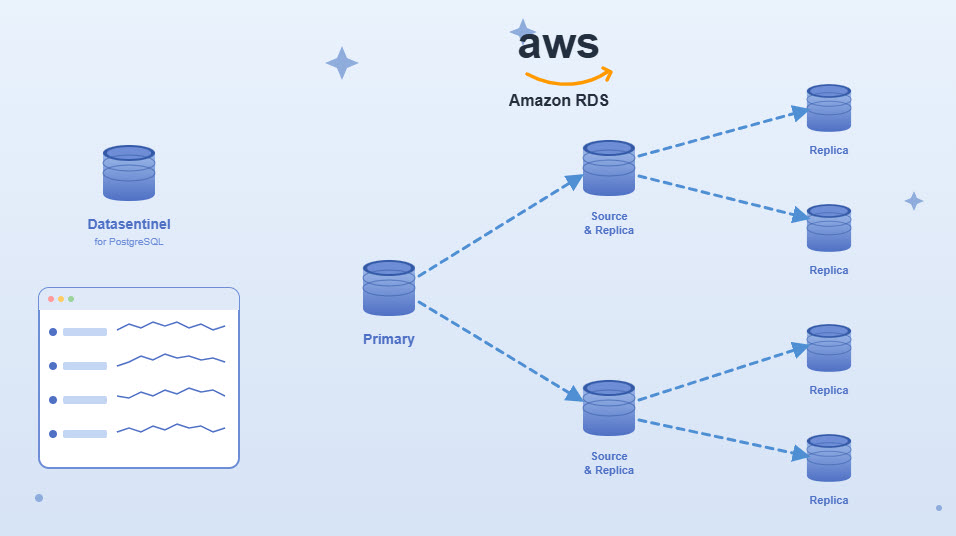
:cloud: | Monitor Cloud-Managed Instances | Connect to AWS RDS, Azure, Google Cloud SQL, and other managed PostgreSQL services agentlessly | Monitor Cloud-Managed Instances | monitor-cloud.jpg |
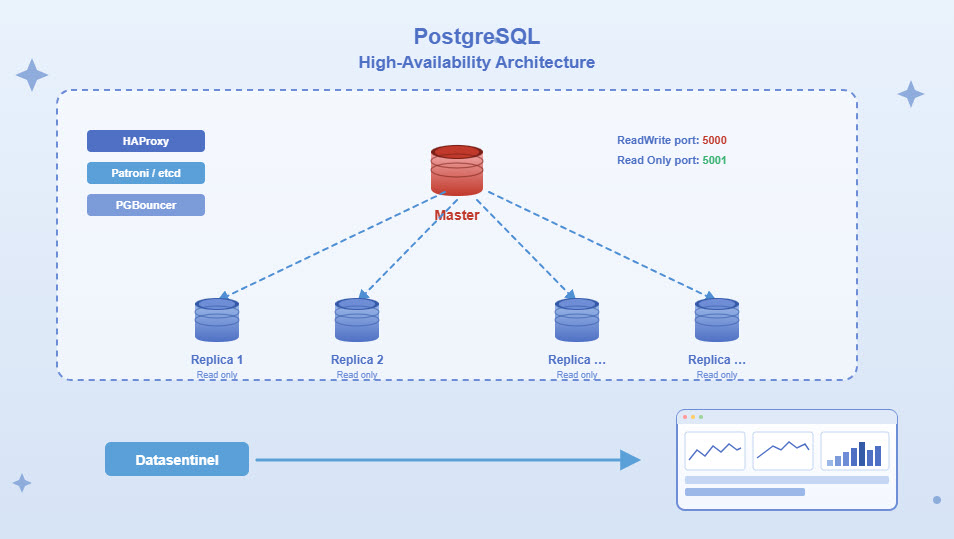
:layer-plus: | Monitor High-Availability Clusters | Automatically detect primaries and replicas and analyze consolidated workload across your HA clusters. | Monitor High-Availability Clusters | monitor-ha.jpg |
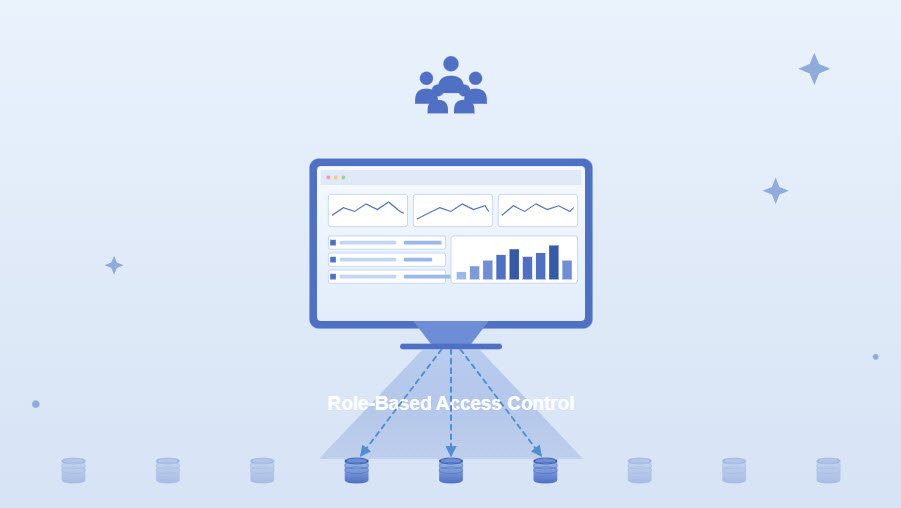
:users: | Manage Users and Role-Based Access | Create users, assign tag-based roles, and grant fine-grained access to specific PostgreSQL instances. | Manage Users and Role-Based Access | manage-users.jpg |
:tag: | Organize Content using Tags | Label instances with custom tags to filter dashboards, consolidate workloads, and scope user access. | Organize Content using Tags | organize-tags.jpg |